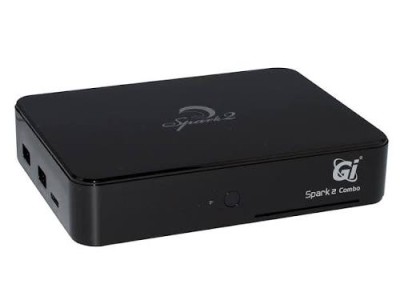
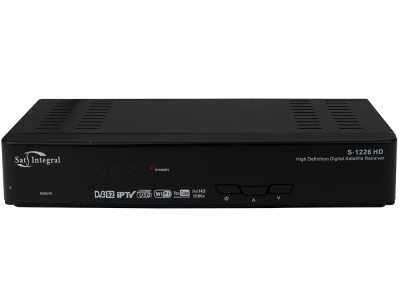
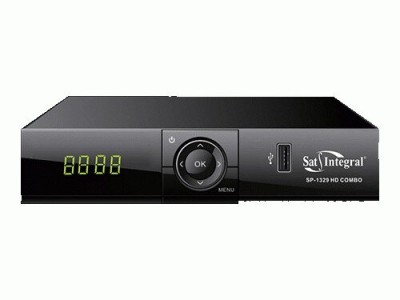
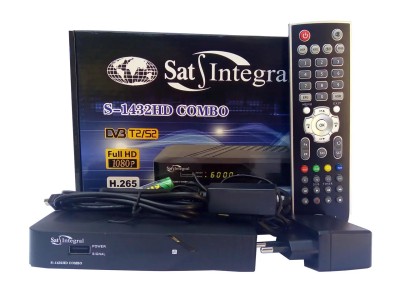
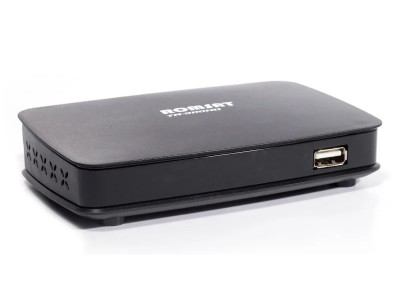
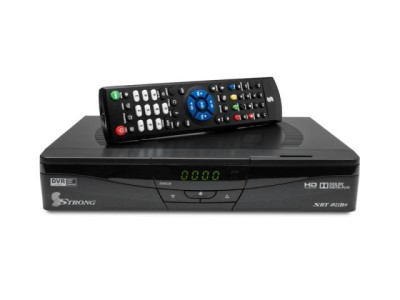
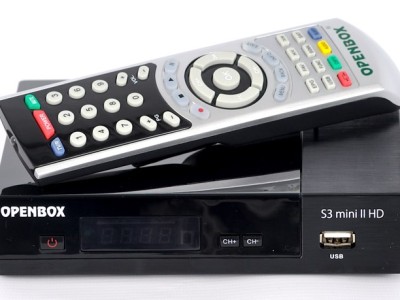
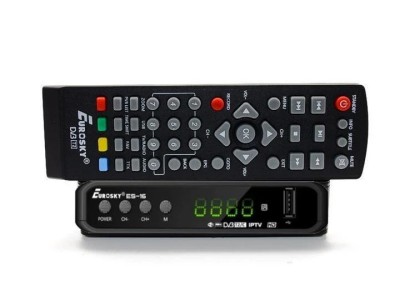
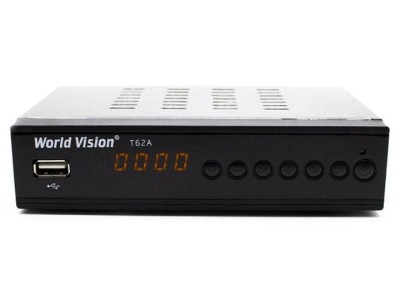
This section contains the latest firmware for satellite (DVB-S2), terrestrial (DVB-T2), and combo receivers used in Ukraine. We verify every build and provide details on the version, chipset, and step-by-step installation process to ensure the update goes smoothly without the risk of "bricking" your receiver. All files are available for free download.
Firmware Categories
For convenience, all files are divided into three categories:
- HD Firmware — for satellite HD receivers (Sat-Integral, Openbox, Strong, uClan, etc.);
- T2 Firmware — for DVB-T2 terrestrial digital tuners;
- Combo Firmware — for "two-in-one" DVB-S2/T2/C combo receivers.
Why Update Firmware?
Firmware is the software that controls the receiver's entire operation. Timely updates offer several tangible benefits:
- restores lost channels — following frequency changes on Astra 4A, Hotbird, or Amos satellites, or within terrestrial multiplexes;
- fixes glitches — freezing, spontaneous reboots, sluggish menu;
- adds features — support for IPTV, YouTube, M3U playlists, and the H.265/HEVC codec;
- expands capabilities — updated EPG, Wi-Fi adapter compatibility, and new plugins.
How to update the receiver firmware via USB
The procedure is the same for most models:
- Format your USB flash drive to FAT32.
- Download the firmware specifically for your model and extract the archive onto the drive.
- Insert the flash drive into the receiver, go to the menu → Software Update (USB), and select the file.
- Wait for the process to complete — do not turn off the power until the device reboots.
Important: installing firmware intended for a different model can cause malfunctions, so always verify the model name and chipset. We recommend backing up your channel list before updating. If you need further assistance, please check the Instructions section or contact us via the contact page.

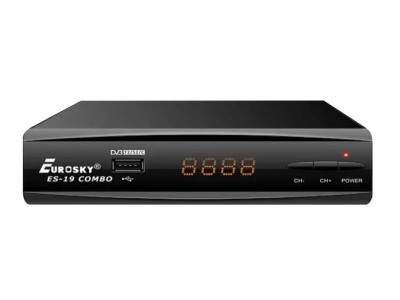 Firmware