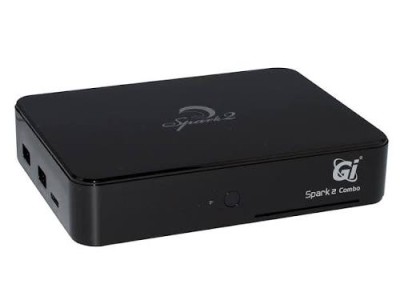
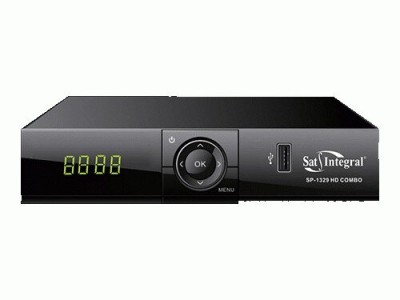
A combo receiver is a versatile device that combines a DVB-S/S2 satellite tuner, a DVB-T/T2 terrestrial tuner, and a DVB-C cable tuner in a single unit. Such a receiver replaces multiple separate set-top boxes, allowing you to watch satellite, terrestrial digital (T2), and cable channels using a single remote control. In this section, you will find the latest firmware for combo receivers, regularly updated by our team.
Why update your combo receiver's firmware?
Timely software updates resolve most operational issues with the receiver. The latest firmware provides:
- an updated channel list — channels do not "disappear" after frequency changes on the Astra 4A, Hotbird, or Amos satellites;
- stable performance — elimination of freezing, spontaneous reboots, and menu glitches;
- new features —
support for IPTV, YouTube, Megogo, and Wi-Fi adapters;
- bug fixes from previous software versions and support for new codecs (H.265/HEVC).
Available firmware models
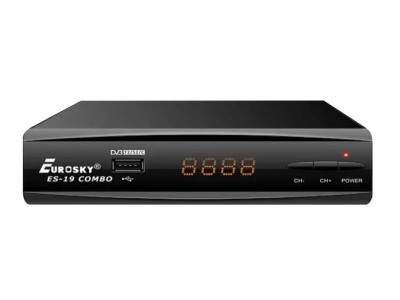
This section contains software for the most popular combo receivers used in Ukraine: World Vision Foros Combo, uClan (Ustym) Combo, Tiger Combo, Sat-Integral, Eurosky ES Combo, OpenFox, and other models based on the GX6605S processor. It is crucial to select the firmware specifically designed for your device model—installing software meant for a different model may cause malfunctions.
How to flash a Combo receiver
The most common update method is via a USB flash drive:
- Format the flash drive using the FAT32 file system.
- Download the firmware file for your model and extract the archive contents onto the flash drive.
- Turn on the receiver, go to the menu → Software Update (USB), and select the file.
- Wait for the process to complete—do not turn off the power until the device reboots.
We recommend backing up your channel list and settings before flashing. All files on SatHub have been verified and are available for free download. If you encounter difficulties choosing the firmware or during the installation process, please consult the Instructions section or contact us.

 Firmware