
T2 Tuner Firmware: Updating DVB-T2 Receivers
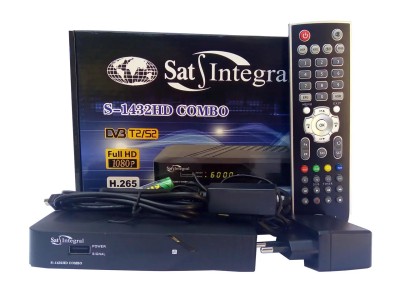
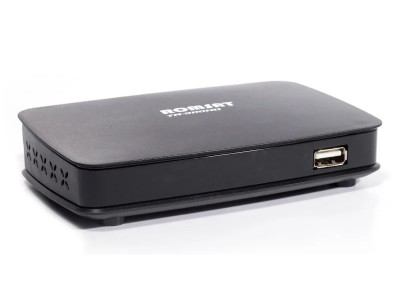
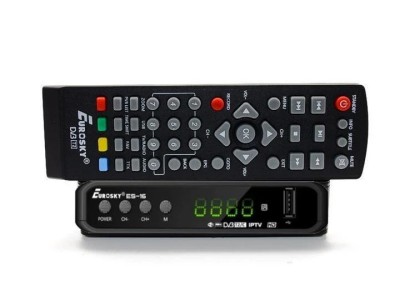
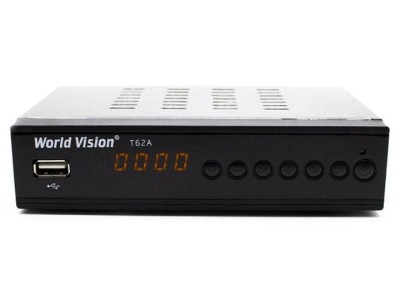
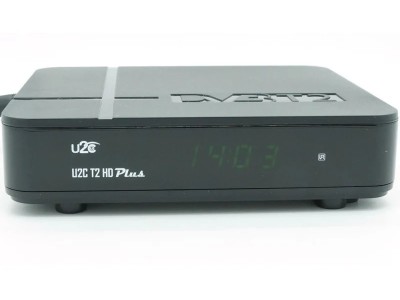
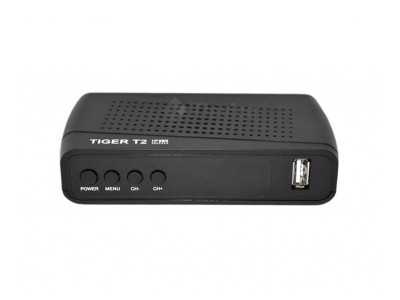
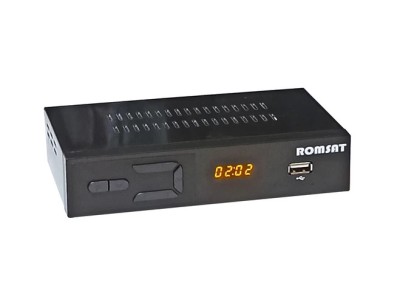
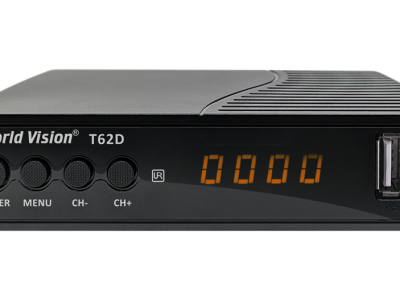
This section contains current firmware for T2 tuners—digital terrestrial receivers (DVB-T/T2 standard) used to access free digital television in Ukraine. We regularly update our file database for the most popular models, including World Vision, Tiger, Romsat, uClan, Sat-Integral, Eurosky, Strong, and others. Each firmware file comes with detailed installation instructions and a description of the manufacturer's updates.
Why Update T2 Tuner Firmware?
Updating the software (firmware) is not just a luxury; it is essential for the stable operation of your receiver. Here is what a new firmware update offers:
- Fixing freezes during channel scanning for multiplexes MX-1, MX-2, and MX-5.
- Improving IPTV player performance and plugin functionality (Megogo, YouTube, Ministra).
- Updating BISS keys for viewing encrypted channels.
- Adding new features—such as H.265/HEVC support, improved EPG, and new menu skins.
- Restoring "dead" units. ...set-top boxes following a failed firmware update (via RS-232 or a loader).
Methods for updating firmware on a T2 set-top box
Depending on the tuner model, three main firmware update methods are available. Each has its own advantages and limitations:
- Via USB drive — the simplest and fastest method (3–5 minutes). The firmware file is saved to a FAT32-formatted flash drive, after which the set-top box updates automatically via the "System → Software Update → USB" menu.
- Via the Internet (OTA) — available for models with a LAN port or Wi-Fi adapter. The update is downloaded directly from the manufacturer's server.
- Via RS-232 (COM port) — an "emergency" method for recovering tuners after a failed firmware update. It takes up to 20 minutes and requires a special cable and a PC running a utility such as Upgrade Tool or STB Upgrader.
Popular T2 tuner models on SatHub
We have compiled firmware for the tuners most commonly found in Ukrainian households. Particularly popular models include the World Vision T62D, T64M, T65M, Tiger T2 IPTV Mini, Romsat T8030HD, and uClan Denys H.265 LAN. For each model, we publish both official manufacturer firmware and alternative builds (such as OpenPLi or Merlin3) featuring expanded IPTV functionality.
What to do before flashing your T2 tuner
- Verify the exact model and board revision—firmware intended for version 1 (v1) can "brick" a version 2 (v2) device.
- Ensure stable mains voltage—power must absolutely not be interrupted during the update process.
- Use only reliable USB flash drives (2–16 GB capacity) formatted in FAT32.
- Save your channel list and settings to a flash drive—a factory reset is often required after flashing.
Frequently Asked Questions (FAQ)
Can any T2 tuner be flashed?
Technically, yes, but the firmware must precisely match the model and hardware revision (HW version). Using incompatible firmware will very likely "brick" the device, requiring recovery via an RS-232 connection.
What should I do if the tuner freezes during the update?
Do not disconnect the power for at least 15 minutes—the process might simply be taking longer than usual. If the receiver does not respond, you will need to perform an emergency firmware update via the COM port using a loader.
How do I check the current firmware version?
Go to the receiver's menu → "System" → "Information" (or "About"). There, you will find the software version (SW), hardware version (HW), and build date. Compare this information with the firmware description on the download page.
Is the firmware on SatHub free?
Yes, all firmware files in this section are available for free download. We source them exclusively from official, public manufacturer channels and verify their functionality before publishing.