Emergency Recovery for Satellite and DVB-T2 Receivers
Power outages during updates, flashing an incompatible firmware dump, or software errors can turn your set-top box into a non-functional device (a "brick"). In this state, the receiver might get stuck in an endless bootloop, freeze on the boot screen, display only "BOOT" or "ON" on the front panel, or show a solid red LED with no response from the remote control.
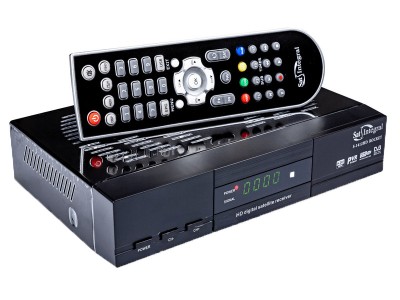
This category provides tested tutorials, firmware dumps, emergency recovery files, and specialized software utilities to unbrick satellite (DVB-S2), terrestrial (DVB-T2), and combo receivers from popular brands such as Sat-Integral, uClan (U2C), Tiger, World Vision, Eurosky, Openbox, and more.
Common Firmware Recovery Methods
Depending on the hardware chipset and the level of flash memory corruption, recovery is typically carried out using one of the following methods:
- Emergency USB Flash Drive Recovery: The quickest method for devices powered by Montage, NationalChip (GX), ALi, or Sunplus processors. The emergency flash binary is copied to the root directory of a clean FAT32 USB drive, and the box is powered on while holding a hardware button (Power or Menu).
- Serial COM Port Flashing (RS-232 / UART): Used when the bootloader (U-Boot) is damaged and the device fails to initialize USB ports. Utilizing an RS-232 cable or USB-to-UART adapter along with a PC upgrade tool, the factory image is written directly to the receiver's memory.
- Hardware SPI Flash Programmer: An advanced solution for service centers and experienced technicians when the bootloader is completely corrupted. The SPI flash IC is reprogrammed directly either in-circuit using an SOIC8 test clip or by desoldering.
Safety Tips for Successful Recovery
- Always use a reliable USB flash drive (8–16 GB recommended) formatted strictly as FAT32.
- Double-check that the recovery file matches your exact motherboard revision and tuner model.
- Never disconnect the power supply during the flashing process — recovery can take between 3 and 15 minutes.
Choose the appropriate guide for your receiver model from the list above, download verified recovery files, and follow the step-by-step instructions. Need extra help? Join the discussion in our Telegram community!


 Instruction